
Visibility on Search Engines, How to Measure It and Improve Your Rankings

Visibility on search engines is how often your pages appear for relevant queries and how many of those impressions turn into clicks, and you can improve it fastest by diagnosing whether your real bottleneck is indexing, ranking, or click-through rate.
- Measure visibility with Google Search Console using impressions, average position, CTR, and clicks, then track changes by query, page, and device.
- Diagnose the biggest barrier in order: indexing problems first, then ranking weaknesses, then low CTR and SERP presentation issues.
- Improve visibility with a prioritized roadmap: technical foundations, intent-matched content upgrades, internal links, and authority building.
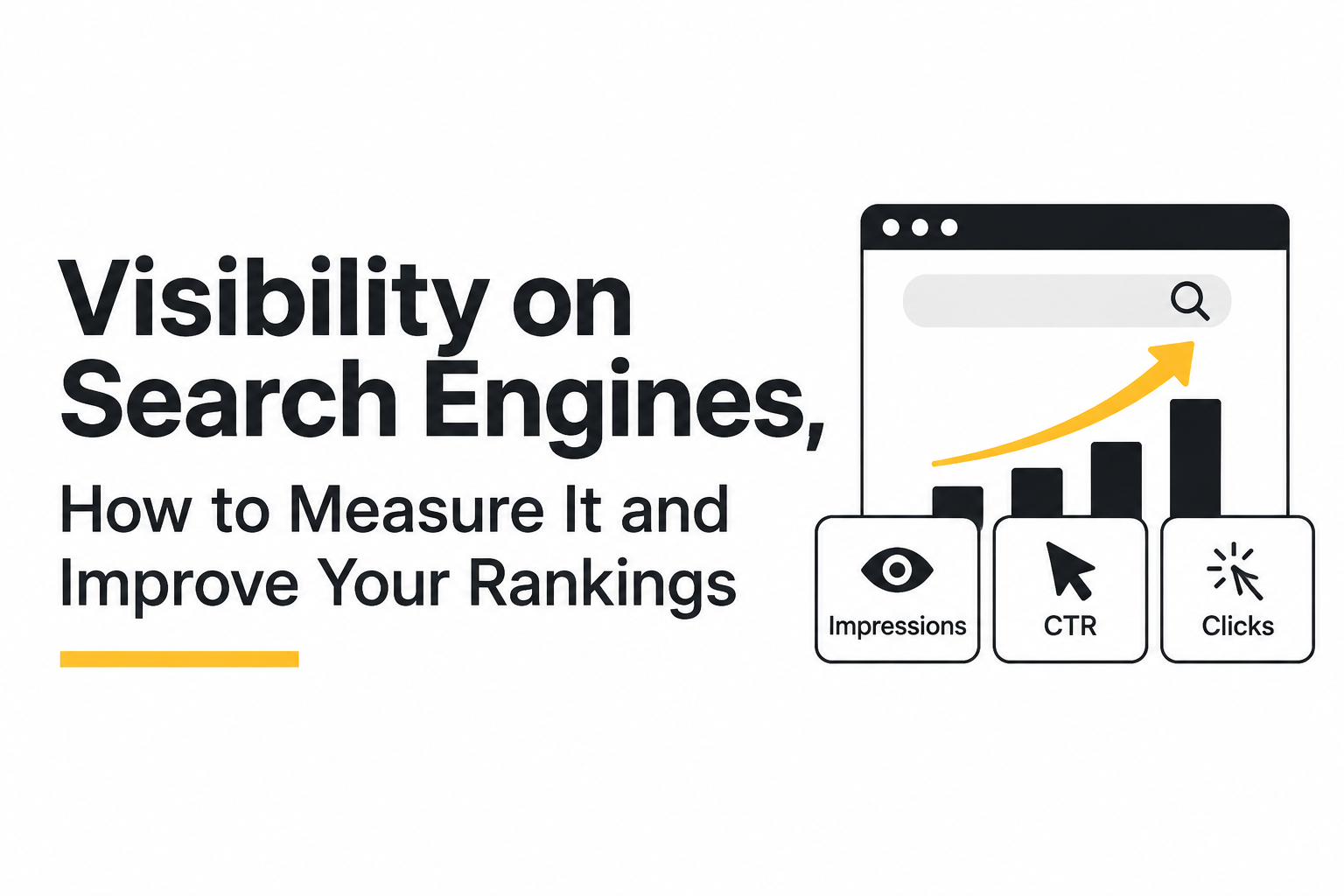
What Does Visibility on Search Engines Actually Mean?
Visibility on search engines is the combination of (1) how often you show up in results (impressions) and (2) how often searchers choose you (clicks and CTR) for the queries that matter to your business.
The confusing part is that people use “visibility” to describe two different things:
- Real visibility from Google: impressions, clicks, CTR, and average position for actual queries and pages (best source: Google Search Console).
- Third-party visibility scores: a tool’s estimate based on a tracked keyword set and its own weighting model (useful for trend-checking, but not truth).
When you are trying to improve visibility on search engines, you need to know which layer is failing. A site can “rank better” but get fewer clicks because the snippet is weak or the query intent changed. Another site can get more impressions because it started ranking for many low-value queries, without meaningful leads.
A plain-English comparison of the metrics
| Metric | What it tells you | Where to find it | When it matters most |
|---|---|---|---|
| Impressions | How often your pages were shown in search results | Google Search Console | Diagnosing discovery and ranking reach |
| Average position | Rough ranking level across impressions (not a single fixed rank) | Google Search Console | Spotting ranking improvements or declines |
| CTR | Clicks divided by impressions | Google Search Console | Diagnosing snippet, intent match, and SERP competition |
| Organic clicks | Actual visits from Google search | Google Search Console | Validating that visibility is turning into traffic |
| Organic sessions | Visits from search across the site (includes non-Google sources depending on setup) | Analytics tool (GA4, etc.) | Connecting SEO work to on-site behavior and conversions |
Why “visibility score” can mislead beginners
Most visibility scores are built from a sample: a tool tracks a list of keywords, assigns weights by position, then rolls it into one number. That can be helpful for monitoring a narrow strategy, but it can also hide what you need to fix. For example, a score might rise because you improved from position 80 to 30 across many queries, while the few queries that drive leads stayed flat.
For day-to-day decisions, I prefer to anchor visibility conversations in Search Console first, then use third-party tools only to support specific questions (like competitor SERP features or keyword expansion).
How Search Engines Discover, Crawl, and Rank Your Website
Search visibility improves only after search engines can reliably discover your URLs, crawl them efficiently, index the right version, and then decide your page deserves a prominent ranking for a specific query.
Step 1: Discovery and crawling (getting found and fetched)
Discovery happens through links, sitemaps, and sometimes manual submissions, and crawling is the act of a bot fetching your pages to read them. Your job is to make this easy and unambiguous:
- Internal links: Every important page should be reachable via text links from other pages, not only from search, filters, or JavaScript-only navigation.
- XML sitemap: Include canonical URLs you want indexed, keep it clean, and submit it in Search Console.
- Robots.txt: Block only what you truly do not want crawled (for example, internal search results), and avoid accidentally blocking key folders.
- Mobile accessibility: If your mobile experience is broken or blocked, crawling and ranking can suffer because Google primarily uses mobile crawling for many sites.
Step 2: Indexing (getting stored and eligible to rank)
Indexing is when Google chooses to store a page and consider it for search results. The common beginner pitfalls are about duplication and “wrong URL” signals:
- Canonicalization: Decide the preferred version (http vs https, www vs non-www, trailing slash, parameters) and stick to it with consistent internal linking and canonical tags.
- Thin or duplicate pages: Tag pages, internal search pages, and near-duplicate location pages can get excluded if they add little unique value.
- Soft 404s: Pages that look like errors to users (or return “no results”) can be treated as low value.
A practical rule I use: if a page is meant to win traffic, it should have a clear purpose, a unique main content block, and a stable canonical URL that you internally link to.
Step 3: Ranking (earning a spot for a query)
Ranking is the competitive phase where Google compares your page to alternatives, and the strongest levers beginners can control are relevance and credibility signals.
- Relevance: Your page must match the intent behind the query (informational, comparison, transactional, local). Headings, copy, and supporting sections should map to what the searcher is trying to do.
- Content usefulness: Clear answers, examples, original organization, and up-to-date details are often what separates page 2 from page 1.
- Internal authority flow: Links from stronger pages on your site help new pages get discovered and understood.
- External authority (links and mentions): Backlinks are not the only signal, but they remain a durable proxy for credibility in competitive spaces.
If you want a deeper, practical breakdown, this is where a structured approach to search engine optimization helps because it forces you to balance technical, content, and authority work instead of chasing random tactics.
How to Measure Your Website's Search Engine Visibility
Measurement becomes actionable when you track visibility at three levels in Google Search Console: site-wide trend, page-level performance, and query-level opportunities.
A repeatable Google Search Console workflow (15 minutes per week)
- Set date comparison: Performance report, compare last 28 days vs previous 28 days (or year-over-year if seasonal).
- Check top-level deltas: clicks, impressions, CTR, and average position.
- Segment by device: Mobile vs desktop can reveal UX and snippet issues.
- Review queries: Sort by impressions to find “high exposure, low clicks” topics.
- Review pages: Identify pages gaining impressions but losing CTR, or pages with stable position but falling clicks.
When I run this workflow, the fastest wins usually come from one of two patterns: (1) a page sitting in positions 8 to 20 with rising impressions, which is a strong candidate for a focused content refresh, or (2) a page in positions 1 to 5 with a below-average CTR, which is often a snippet and intent-alignment problem.
A simple manual visibility calculation you can do without tools
A basic, transparent way to quantify visibility for a keyword set is to multiply impressions by CTR, because clicks are the tangible result:
- Estimated clicks per query = Impressions × CTR
- Visibility change over time = (New clicks minus old clicks) divided by old clicks
Example: If a query had 10,000 impressions at 1% CTR (100 clicks) and later has 12,000 impressions at 1.2% CTR (144 clicks), your visibility for that query improved by 44% in clicks, even if average position barely moved.
What third-party “visibility” tools are still good for
Third-party visibility tools are best used for controlled monitoring where the keyword set is stable and meaningful, for example:
- Tracking a fixed set of “money” terms weekly to spot ranking volatility.
- Comparing SERP features across competitors (snippets, local packs, video results).
- Finding keyword variants you are not yet ranking for.
They are weaker for diagnosing why visibility on search engines is not improving, because they cannot tell you whether pages are excluded from the index, mismatched to intent, or losing clicks due to SERP layout changes.
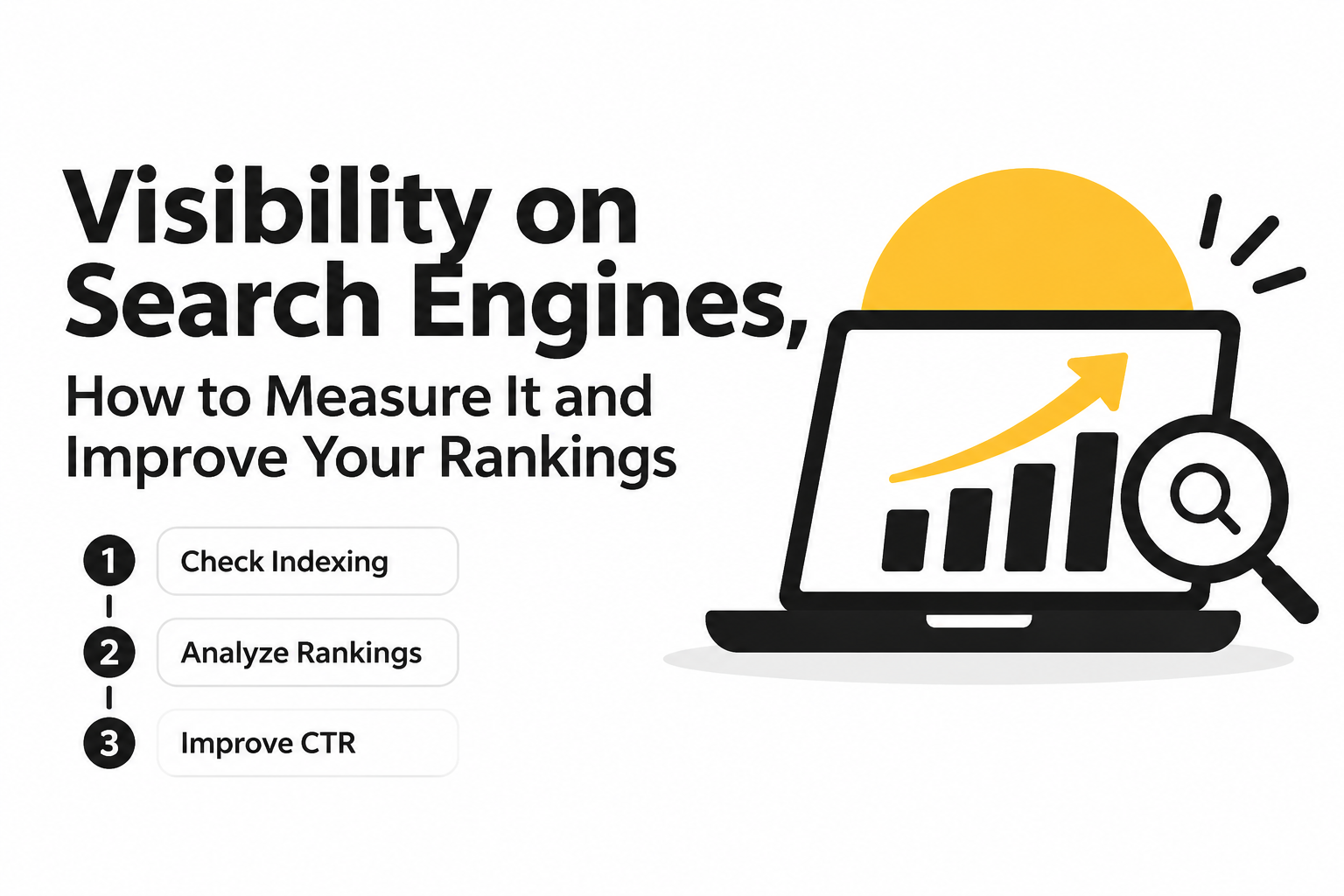
How to Diagnose and Improve Visibility on Search Engines
Diagnosing visibility on search engines works best as a funnel you move through in order: indexing eligibility first, ranking strength second, and CTR and SERP opportunity last.
Step 1: Rule out indexing failures (can Google show your page at all?)
Start here because you cannot rank if you are not indexed, and you cannot earn impressions if Google chose a different canonical than you intended.
- Check Indexing report in Search Console: look at “Not indexed” reasons and whether the number is trending up.
- Spot-check key URLs with URL Inspection: confirm “URL is on Google” and review the selected canonical.
- Validate sitemap coverage: are your important URLs included and processed?
- Look for duplication patterns: parameters, faceted navigation, duplicate category pages, and printer-friendly versions.
If you keep running into technical barriers, a focused pass on technical seo issues usually produces the cleanest early gains because it removes ceilings on crawling and indexing.
Step 2: Diagnose weak rankings (are you relevant and competitive?)
Use Search Console to identify queries where you have meaningful impressions but sit outside the click-heavy range.
- Filter queries with high impressions and average position between 8 and 30.
- Open the page tab to see which URL is ranking, then review whether it truly matches intent.
- Compare to current top results: list the 3 common sections they include that you do not (pricing, steps, templates, examples, definitions).
- Check internal link support: does your site link to the page from relevant hubs?
Practical criterion: if the top results answer the query in the first 2 to 3 paragraphs and your page takes 800 words to get there, you are often losing on relevance and usability, not “domain authority.”
Step 3: Diagnose low CTR (are you being chosen?)
CTR problems are common when your position is decent but clicks are lagging, and you can diagnose them quickly with two filters.
- Filter queries where average position is 1 to 5 but CTR is noticeably lower than other queries at similar positions.
- Check if the query triggers SERP features: AI Overviews, featured snippets, local packs, “People also ask,” and video blocks can reduce organic CTR even when you rank well.
Fixes should be matched to the reason:
- Mismatch: rewrite the page to satisfy the query’s intent, not just mention the keyword.
- Weak snippet: improve title, on-page headings, and the first on-page answer paragraph (snippets are often generated from on-page content).
- Unclear value: add concrete differentiators (templates, steps, comparison tables, eligibility criteria).
Step 4: Capture “near miss” SERP opportunities
Near-miss opportunities are pages that already rank but do not occupy as much SERP real estate as they could.
- Rich results eligibility: confirm whether your content supports relevant structured data (FAQ, HowTo, Product, LocalBusiness where appropriate).
- Featured snippet formatting: add short definitions, ordered steps, and tight bullet lists directly under the relevant H2/H3.
- Internal “hub” pages: create a hub that links to related pages so Google understands topical breadth.
Practical SEO Improvements That Make Your Website More Visible
Practical improvements increase visibility by aligning a page to a specific intent, making the answer easier to extract, and strengthening internal and external signals that the page deserves to rank.
A prioritized checklist (do these in this order)
- Map one page to one primary intent: avoid trying to rank a single URL for every variation if the intents differ.
- Rewrite the “first screen”: ensure the first 150 to 250 words answer the query directly, then expand with examples and depth.
- Upgrade headings into a diagnostic structure: use H2/H3s that mirror what the searcher needs (steps, costs, checklist, comparisons).
- Strengthen internal linking: add 5 to 10 contextual links from relevant pages, using descriptive anchors.
- Refresh and consolidate: merge overlapping articles to reduce cannibalization, then 301 redirect the weaker URL.
Title tags and on-page snippet cues that reliably lift CTR
Title tags still matter, but the snippet a user sees is often influenced by on-page headings and the first answer paragraph. A simple framework:
- Title tag formula: Primary topic + clear benefit + qualifier (year, location, or audience) where accurate.
- First paragraph: one-sentence answer plus a short “what you will learn” list.
- Scannability: add a short table, bullet list, or steps where the intent suggests it.
If you want a deeper conceptual model of how to track and interpret these shifts, this guide on search visibility pairs well with the diagnostic approach here.
Authority building without guesswork
For beginners, the goal is not “get backlinks” in the abstract, but earn links that make sense for your topic and audience. Criteria I use to qualify a good link opportunity:
- Topical fit: the linking site publishes in your subject area.
- Editorial placement: the link exists because your content is useful, not because it is paid or injected.
- Specific destination: the link points to a page that genuinely answers a need (guide, template, data, tool).
Examples of beginner-friendly tactics: partner resource pages, guest contributions where you provide a unique section, digital PR for original data, and reclaiming unlinked brand mentions.
When teams ask me why their visibility on search engines is stuck, the answer is often that content and internal linking improved but external credibility did not, so rankings plateau in competitive SERPs. Planning even a small, steady stream of credible mentions can break that ceiling.
How to Increase Your Visibility on Google Specifically
Google visibility improves fastest when you use Search Console to fix indexing exclusions, confirm canonical choices, and optimize pages to be eligible for richer snippets.
A Google-focused checklist you can run monthly
- Indexing report: monitor spikes in “Excluded” and investigate the specific reason category.
- URL Inspection: test your top 10 revenue-intent URLs and confirm the user-declared canonical matches Google’s selected canonical.
- Sitemaps: ensure sitemap contains only indexable, canonical URLs and is updated when you publish.
- Core page experience basics: confirm pages load reliably on mobile, avoid intrusive interstitials, and keep layouts stable.
- Rich results: validate structured data where it matches your content type.
Snippet optimization that works with AI Overviews and generated descriptions
Google increasingly generates snippets from on-page content, so write passages that can be lifted directly into results:
- One-sentence definitions directly below the relevant heading.
- Step lists for processes (3 to 7 steps tends to be readable).
- Short comparison tables for “X vs Y” intents.
An external reference worth using for validation is Google’s own documentation on Search Console and structured data, starting with Google Search Central documentation.
Local visibility (only if you serve customers in a region)
Local businesses often gain visibility on search engines through Google Business Profile in addition to classic organic results. If you have a physical location or serve defined service areas:
- Complete and verify your profile, and keep categories accurate.
- Ensure NAP consistency (name, address, phone) across your site and key citations.
- Create location pages only when you can add unique proof of service, not just swapped city names.
Your 30/60/90-Day Roadmap to Better Search Engine Visibility
A realistic 30/60/90-day plan improves visibility by sequencing technical stability first, then page-level relevance and CTR, and finally compounding authority and content breadth.
Days 1 to 30: Fix the ceilings (indexing and crawl efficiency)
- Set up Search Console if not already, submit sitemap, confirm domain property.
- Audit Indexing report and fix preventable exclusions for priority pages (blocked by robots, wrong canonical, duplicate variants).
- Standardize internal linking to your canonical URLs.
- Create a simple tracking sheet: top pages, top queries, baseline clicks, impressions, CTR, position.
Milestone to look for: fewer critical exclusions and more consistent indexing for your priority URLs.
Days 31 to 60: Improve rankings with intent-matched upgrades
- Pick 5 to 10 pages with high impressions and average position 8 to 30.
- For each page: rewrite the first answer section, add missing subtopics seen across top results, and add a small table or checklist.
- Add internal links from related pages and navigation hubs.
- Consolidate overlapping content to reduce cannibalization.
Milestone to look for: upward movement in average position for upgraded pages and a measurable lift in clicks even if impressions are flat.
Days 61 to 90: Lift CTR and build authority signals
- Identify queries where you are already top 1 to 5 but CTR is underperforming, then improve snippet cues (titles, headings, first paragraph).
- Publish 2 to 4 supporting articles that internally link into your main pages (build topical coverage).
- Start a small authority sprint: 5 to 10 qualified outreach targets for mentions, partnerships, or editorial contributions.
- Repeat the Search Console comparison weekly and log what changed before and after updates.
Milestone to look for: CTR improvements on key queries and a steadier trendline of clicks, not just impressions.
| Problem signal in Search Console | Most likely cause | Best next action |
|---|---|---|
| Low impressions across important pages | Indexing issues or weak relevance | Confirm indexing and canonicals, then rewrite the first screen to match intent |
| High impressions, position 10 to 30 | Content not competitive yet | Add missing sections, improve internal links, refresh content depth and structure |
| Position 1 to 5, low CTR | Snippet weak or SERP features stealing clicks | Improve title, headings, and extractable on-page answers; add eligible rich results |
| Clicks down, impressions steady | CTR decline or intent shift | Re-check SERP layout, update page to fit new intent, strengthen value proposition |
FAQ about search engine visibility
If you want a second set of eyes on your current visibility on search engines, Freeways Agency shares practical SEO diagnostics and implementation playbooks focused on measurable progress; a good next step is to assess your Search Console trends and identify whether indexing, rankings, or CTR is your biggest constraint before you change anything.

Written by Joyce Ng.
Top SEO Companies In 2026, A Global Shortlist By Specialty, Budget, And Business Type
Compare seo top companies by specialty, budget, proof, deliverables, and business fit before choosing an agency for 2026.

Semantic SEO Explained for 2026, The Practical Blueprint to Rank Beyond One Keyword
Learn semantic seo in 2026 with a practical blueprint: intent, entities, deliverables, examples, and a QA checklist to publish with confidence.

SEO For ChatGPT, The Prompt-to-Citation Playbook for 2026
Learn seo for chatgpt in 2026 with a prompt-to-citation workflow, technical indexing checklist, schema patterns, and KPIs to measure visibility.